
Read the version number before you update
How well your app runs often hinges on the update prompt you swipe away. That number lists every improvement in the release — three seconds to read, so you never skip an upgrade that counts.
Read more →LetsVPN runs on a proprietary protocol and has stayed online for more than 2000 consecutive days, holding steady even in sensitive periods. One account covers every device you own, and a support crew answers all year round.
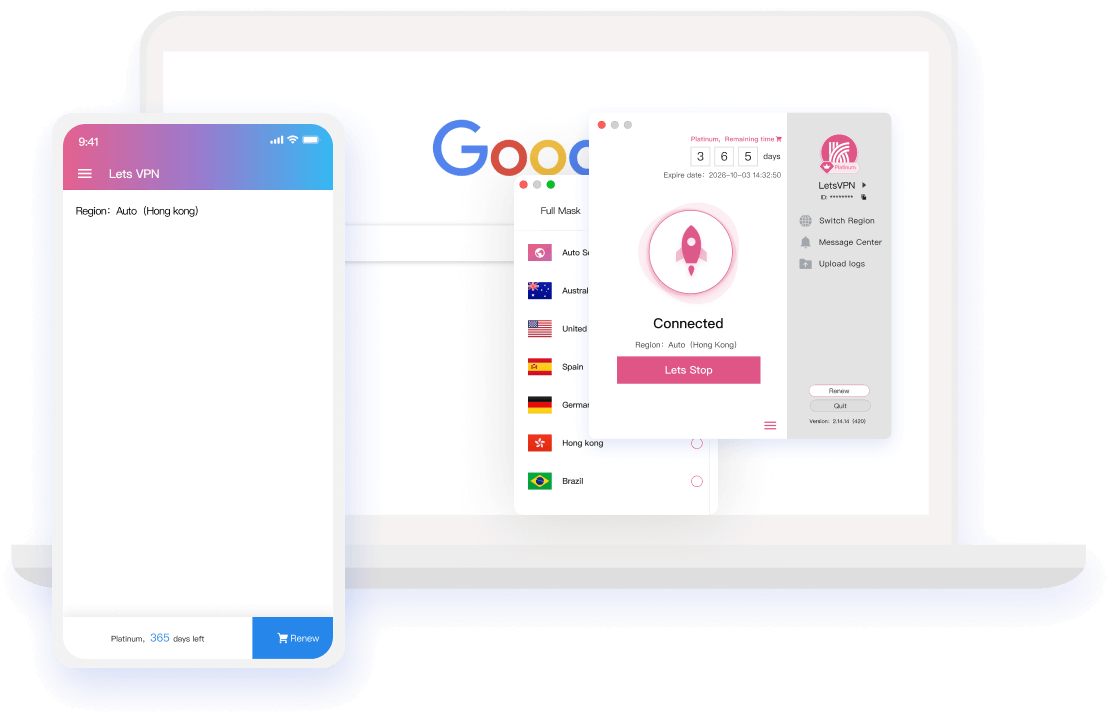
Protocol to after-sales, explained in plain words — no buzzwords.
The proprietary protocol encrypts everything end to end and stores no personal data or activity records. Proven by an independent Google security review and AppEsteem certification, with a permanent place near the top of App Store utility charts.
Nodes across every major region make overseas sites feel like home pages. Advanced trace-wiping keeps you unrestricted, unrecorded and free to roam any resource.
A new kernel plus AI route selection picks the fastest global node for you automatically. Press "Quick Connect" and within three seconds you are gliding through the web.
Native clients for Windows, macOS, Android and iOS. A single account shares your membership across devices running at the same time — switching contexts never drops a beat.
Rare in this industry: plans from one day up. Order when you need it, stop whenever you want. No renewal traps, no lock-in — few known VPNs dare to work this way.
100+ live agents and network engineers stand by 24/7, ready for VIP-style, always-on assistance that never goes silent.
Reach major overseas apps and sites as if they were next door.












Support coverage keeps expanding
All four platform installers share one entry point; sign in once and every device syncs online.

The camera reads the code and jumps straight to the download
Bookmark this page — every important update starts on the official site.
How well your app runs often hinges on the update prompt you swipe away. That number lists every improvement in the release — three seconds to read, so you never skip an upgrade that counts.
Read more →
Refund timing that missed its promise, amounts that didn't match remaining time, and the pressure inside the team — this notice addresses each of them, point by point.
Read more →
From midnight May 8 (Toronto time) the standard mechanism is back: account time deducts normally, and orders hit between April 8 and May 8 are compensated automatically after the freeze.
Read more →
Answering "is LetsVPN disappearing?" with facts: refunds keep moving, and account freeze, self-service refund and status tracking are live — plus tips to dodge counterfeit refund scams.
Read more →
LetsVPN is launching account time freeze, refund status tracking and self-service refunds in stages, and publishing how billing resumes and free time gets compensated.
Read more →
After long deliberation we must end operations for mainland China and can no longer provide service there. We are deeply sorry and grateful for years of trust.
Read more →Follow along and you'll be done in one pass; anything left goes to a human agent.
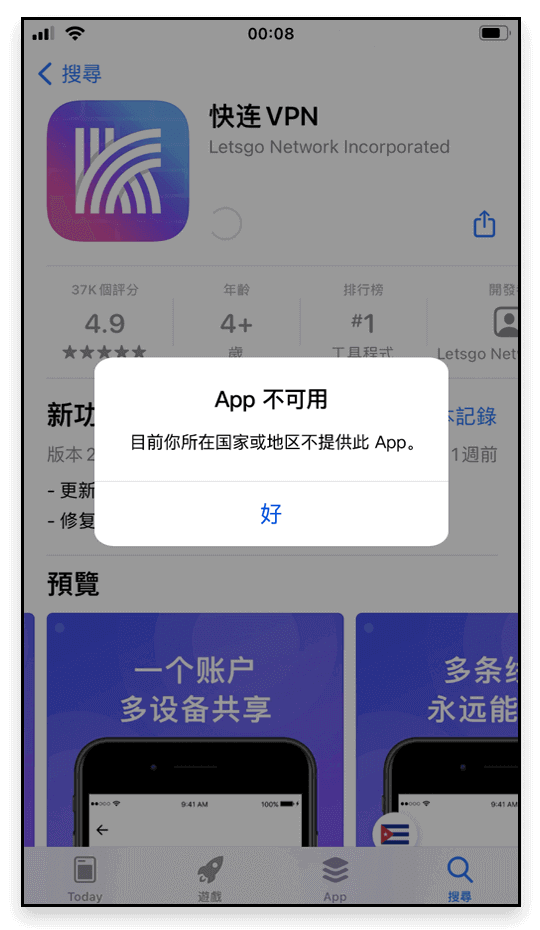
Check whether your Apple ID region is <Mainland China>, or that a recent switch hasn't finished syncing on Apple's side;
Fix: sign out, then download again with a <Hong Kong Apple ID>.
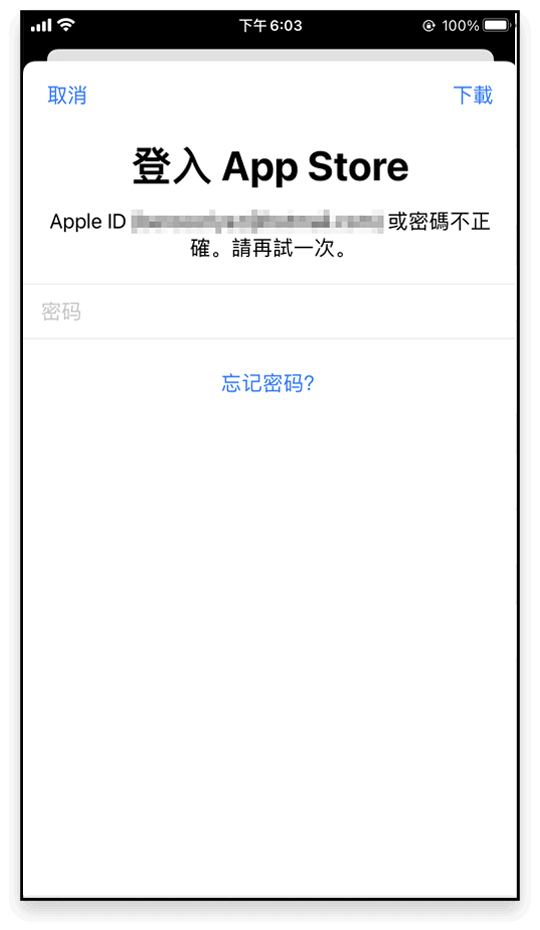
Happens when the app was installed with <Apple ID A> and later updated under <Apple ID B> — the store keeps asking for A's password;
Fix: remove the old version and install fresh under the current account.
A leftover <previous version> of LetsVPN on the phone clashes with the store build;
Fix: uninstall the old version first, then reinstall.
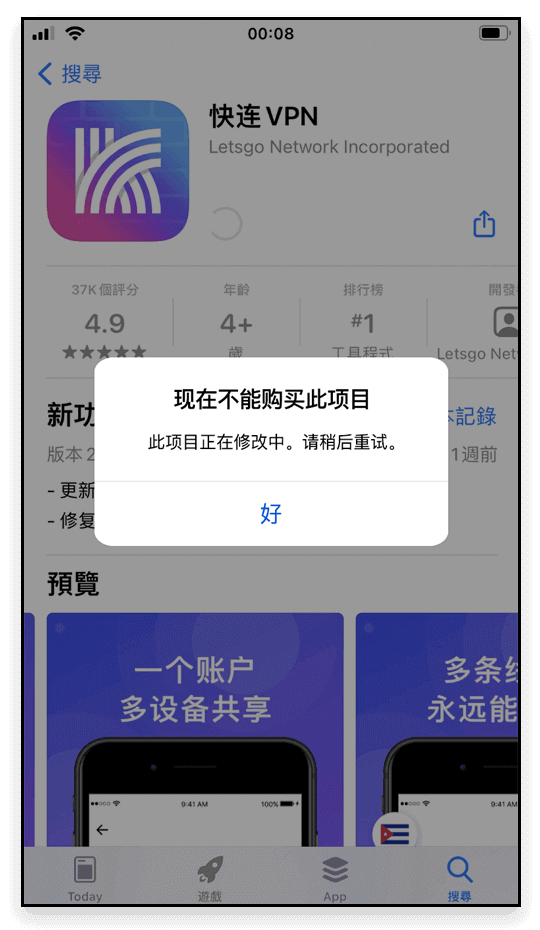
Another symptom of the <previous version> versus store build conflict;
Fix: delete the old version and fetch the latest.
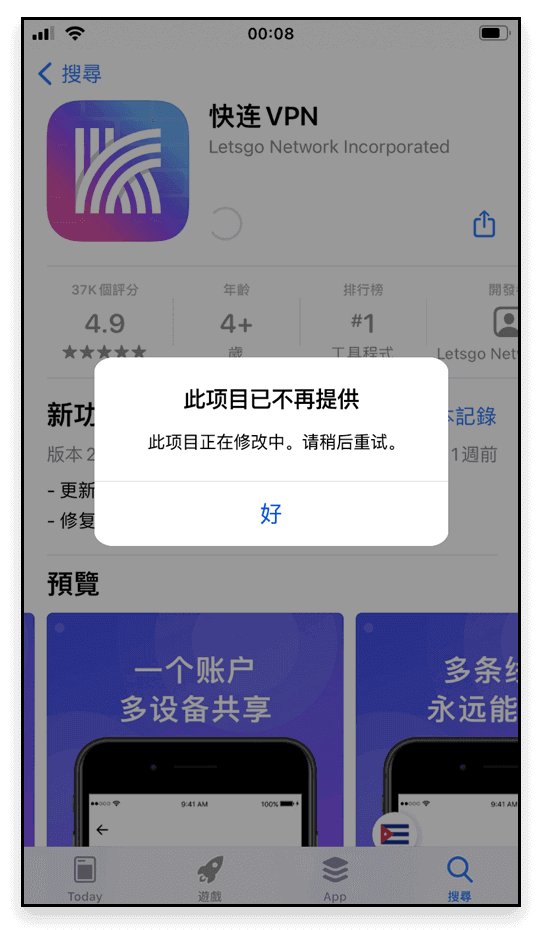
Old-version leftovers again — your account is not the problem;
Fix: uninstall and reinstall.
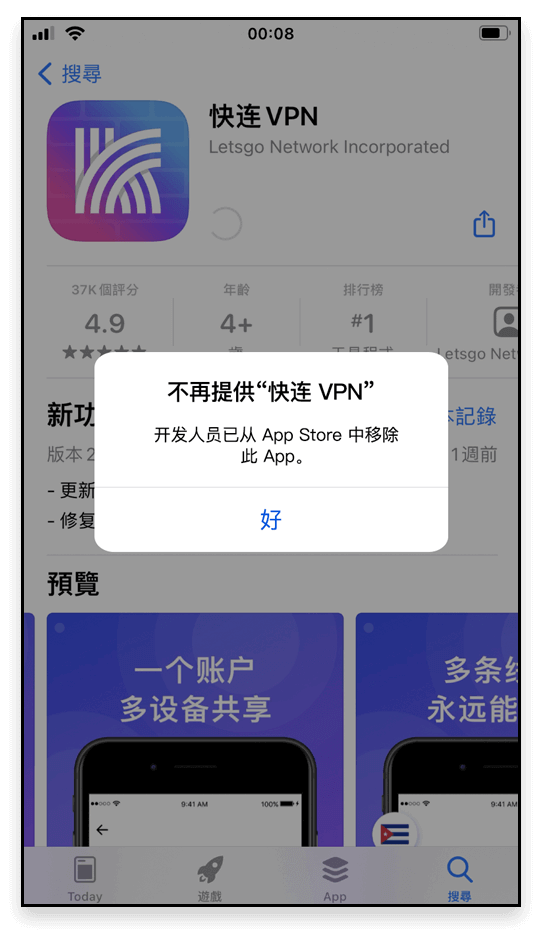
If downloads keep failing, reach live chat support any time — the team will help you solve it for good.
No logging, no storage of personal activity — the policy text is the proof.
We are committed to consumer privacy protection. Lets VPN does not collect or log traffic data, browsing activity, or email.
These Terms of Service (“the Terms”) govern your use of the LetsVPN and the associated website domains (the “Site”).
These Terms of Service (“the Terms”) govern your use of LetsVPN Services; please read them carefully before use.
Sign in to view your membership, devices and orders.
Registration is available in the app — please download it first.